How to set up AI support workflows for a SaaS helpdesk
How to set up AI support workflows for a SaaS helpdesk: set up the AI support workflow as a controlled layer inside your helpdesk, not as a free-roaming…

Hands reviewing a flowchart on a clipboard
Last updated: October 26, 2026
Quick answer: set up the AI support workflow as a controlled layer inside your helpdesk, not as a free-roaming chatbot. The goal is simple: let AI sort, draft, and route routine tickets in Intercom, Zendesk, or Freshdesk, while humans keep final control over anything unclear, sensitive, or revenue-critical.
What an AI support workflow should do in a SaaS helpdesk
An AI support workflow should triage, draft, and route tickets without hiding the decision path from the support team. That means the workflow is not “AI answers customers.” It is “AI helps the helpdesk move the right ticket to the right place, then hands work back when the risk goes up.”
The practical unit here is the ticket, not the chat bubble. In a SaaS helpdesk, the workflow usually sits on top of existing helpdesk workflows such as inbox assignment, priority rules, tags, macros, SLA timers, and escalation paths. AI should read the incoming message, identify intent, extract fields like plan type or product area, and suggest the next action. If the message is low risk and repetitive, it can draft a reply. If it looks ambiguous, billing-related, or technical, it should escalate to a human queue.
That distinction matters because a black box creates three problems fast: wrong replies, hidden routing mistakes, and teammates who stop trusting the system. A support lead needs a workflow that can be explained in one sentence: “Tickets with known intents and low-risk answers get AI help; everything else gets reviewed before anything is sent.”
If the helpdesk is small, the workflow can be simple: AI tags and drafts, humans send. If the helpdesk is larger, the workflow can branch by product line, language, or customer tier. The same pattern works in Intercom, Zendesk, and Freshdesk because the core objects are the same: ticket, tag, queue, macro, assignee, and status.
This page is the operational version of the broader hub on where to automate with AI in a SaaS startup; here the focus is only the support desk.
The setup order that keeps AI from becoming a black box
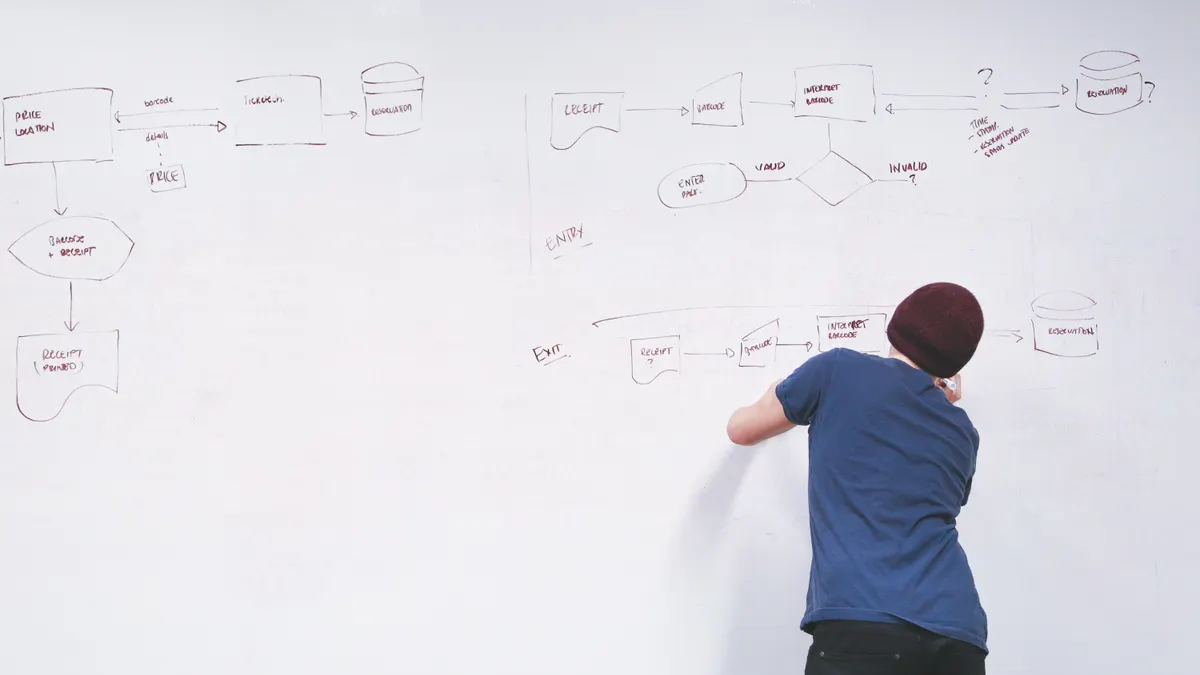
A safer setup order is: define what AI may touch, map the queues, write routing rules, add draft behavior, then turn on human review before any outbound message goes live. Skipping that order is how teams end up with a system they cannot audit.
-
Start with 5 to 10 ticket intents. Pick the highest-volume support reasons first: password reset, how-to questions, bug reports, billing confusion, cancellation, and account access. The result should be a short intent list that covers the common 80/20 traffic without trying to automate every edge case on day one.
-
Decide what AI is allowed to do in each intent. For each intent, choose one of three states: tag only, draft only, or draft plus route. “Tag only” is safest for messy categories like feature requests. “Draft only” works for repeatable questions where answer quality still needs a human click. “Draft plus route” fits queues where the right assignee matters more than the exact wording.
-
Set routing rules before drafting rules. In Zendesk or Freshdesk, build the queue logic first: product area, language, customer tier, bug versus billing, and VIP status. The result should be a ticket landing in a human queue even if AI never writes a word. Routing is the control plane; drafting is the helper.
-
Create reply boundaries. Decide which macros and template blocks AI may use, which knowledge base articles it may quote, and which phrases it must never invent. A good boundary is specific: AI can fill in known steps from approved help content, but it cannot promise timelines, credits, refunds, or root-cause explanations without review.
-
Add a human approval gate for the first 2 to 4 weeks. Keep outbound AI replies in draft status until the team has reviewed enough examples to trust the pattern. The exact time matters less than the habit: human eyes before send. This stage catches tone drift, broken links, and hallucinated steps before customers see them.
-
Log the reason code for every handoff. When AI escalates, require a reason such as “billing,” “security,” “bug reproduction,” or “unclear intent.” That log becomes the training map for the next round of workflow changes. Without it, every escalation looks the same and nothing improves.
-
Review queue performance weekly. Look for tickets that bounced between queues, drafts that needed heavy rewriting, and intents that were misclassified. A 30-minute weekly review is enough to spot patterns early. If the workflow only gets checked once a quarter, mistakes compound.
The trade-off is obvious: more automation means less manual handling, but every extra automated step needs a narrower policy. A team that wants speed without review will get both faster and sloppier.
How do you route tickets with AI?
You route tickets with AI by combining classification, queue rules, and explicit fallback paths. AI should label the ticket first, then the helpdesk should move it using rules you can read in plain language.
The routing model should usually include at least four dimensions: intent, urgency, customer tier, and confidence. A simple example is enough for most SaaS teams: if the message is about billing and the customer is on a paid plan, send it to the billing queue; if it mentions an outage or security concern, bypass automation and notify the senior queue; if the confidence score is low, send it to triage instead of a specialist.
That last part is where many setups fail. Teams let AI choose a queue even when the message is vague. The cost is misrouted tickets that sit for hours in the wrong place while the customer waits. A better rule is conservative: low confidence means triage, not guesswork.
Common routing buckets usually look like this:
- Self-serve intent: AI suggests a help article or macro, then resolves only after human review.
- Specialist intent: billing, technical integrations, or API questions go straight to the right queue.
- Sensitive intent: account closure, legal wording, abuse reports, and security incidents skip AI response and trigger a human-only path.
- Escalation intent: anything with repeat contact, angry sentiment, or failed troubleshooting moves to a senior agent.
Zendesk and Freshdesk both handle this kind of logic through triggers, automations, and views; Intercom does it through inbox rules and workflows. For more detail, see the vendor docs on Zendesk triggers and automations, Freshdesk workflow automations, and Intercom workflows. The vendor label matters less than the structure: classify first, route second, reply last.
A useful guardrail is a “no-send” list. If a ticket contains words tied to refunds, data deletion, breach claims, or legal threats, the AI can still tag the issue, but it should not draft an outbound answer without review. That keeps the workflow useful while protecting the support team from confident nonsense.
Where draft replies help, and where they create risk
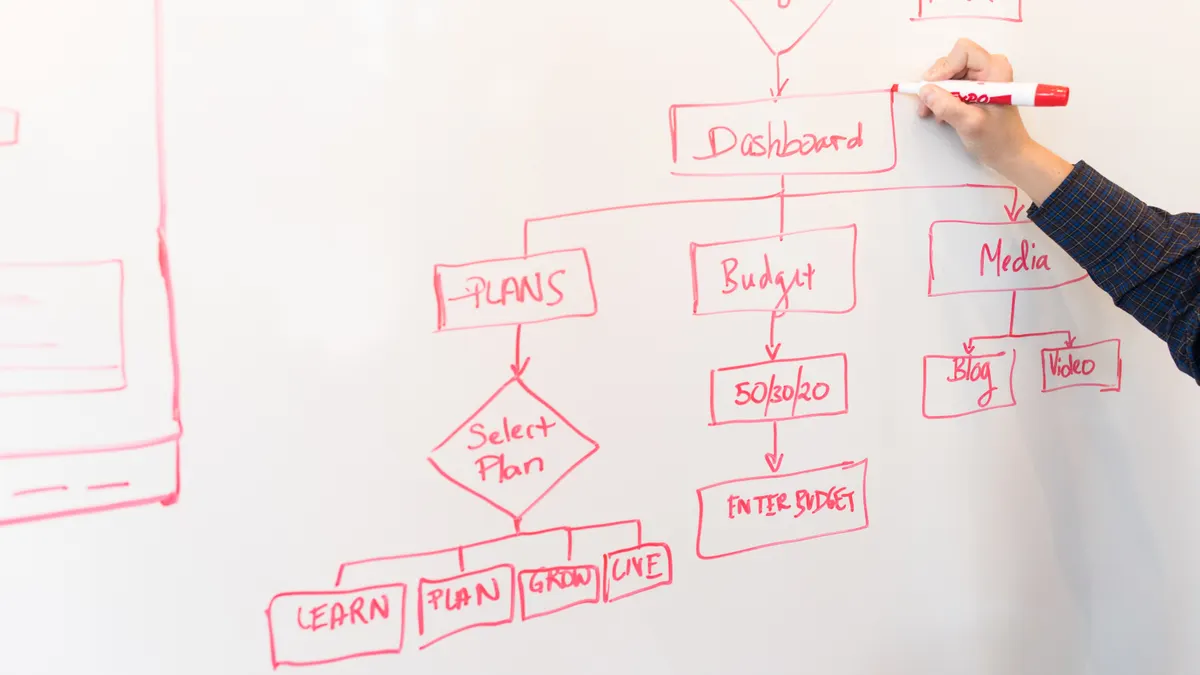
Draft replies help most when the answer is repetitive, the source of truth is stable, and the customer’s question is narrow. They create risk when the system has to improvise, summarize uncertainty, or explain policy that the team has not standardized.
The best use case is usually a ticket with a known pattern and an approved macro behind it. The AI can turn a macro into a cleaner draft, adapt tone, and pull in a relevant help article. It can also shorten the first response time on questions like login steps, workspace settings, or common setup errors. In these cases, the human reviewer mostly checks accuracy and tone.
The wrong use case is anything that asks the model to infer facts the team has not documented. If the support agent has to guess whether the issue is product bug, account permission, or browser conflict, the AI will guess too. That is how polite but wrong replies get sent.
A good drafting policy usually has three levels:
- Approved draft: AI may generate a full reply from a macro and article, and the agent sends after review.
- Partial draft: AI writes the opening and the closing, while the agent fills the technical middle.
- No draft: AI only tags and routes; the agent writes manually.
The reason to separate those levels is speed control. A draft that takes 15 seconds to review is useful. A draft that takes 5 minutes to untangle is a net loss.
Keep macros in the loop. Macros are the backbone of predictable support, and AI should sit on top of them, not replace them. If the macro library is messy, AI will inherit the mess. If the macro text is clean, current, and tied to actual workflows, AI drafting becomes much safer.
One honest limitation: AI drafts are weakest when the product changes often. A release-heavy SaaS with frequent UI or permission changes needs tighter review than a stable product with mature documentation. In that environment, “draft only” is safer than “draft and send.”
Which guardrails keep AI support answers accurate?
The strongest guardrails are approved source content, constrained output, and mandatory review for edge cases. Accuracy does not come from asking the model to “be careful”; it comes from narrowing what it can see and what it can do.
Start with a source hierarchy. The top layer should be the canonical help center article or internal SOP. Next come approved macros. Below that sit snippets, tags, and ticket metadata. Free-form model memory should not outrank any of those. If the answer conflicts with the help center, the help center wins.
Then set output limits. Keep AI replies anchored to the issue, not the whole account history. Tell it to answer only from approved material, avoid unsupported promises, and stop when the issue crosses into billing, security, or engineering judgment. In practice, a 2-3 sentence reply often beats a long explanation because it leaves less room for drift.
For a helpdesk team, authoritative sources matter here. OpenAI’s prompt engineering guidance is useful for constraining output, and the NIST AI Risk Management Framework is useful for thinking about governance, monitoring, and accountability. Use both as reference points, not as policy substitutes.
The workflow should also carry a feedback loop. Every time an agent edits an AI draft heavily, that edit should become a signal: article gap, macro gap, or routing gap. If the same question keeps needing repair, the problem is not the model; it is the support content.
The biggest mistake is treating AI accuracy as a one-time launch task. Support content rots. Product behavior changes. Policies move. A workflow that was safe in March can become sloppy by July if nobody checks the source content and the escalation rules. If this sounds like a compliance or customer-risk issue in your org, consult your support ops or legal lead before changing the workflow.
How to set handoffs so humans stay in control
Human handoff works when the AI knows where its authority ends and the agent knows why the ticket arrived in their queue. The handoff should be explicit, visible, and tied to a reason code rather than hidden in a side panel.
A useful handoff design has three points:
- Before draft: the model decides whether it has enough confidence to draft at all.
- Before send: the agent approves, edits, or rejects the draft.
- After escalation: the ticket carries context, tags, and the reason the AI stepped aside.
That third point is often ignored. When the human receives a ticket with no context, they waste time rereading the thread and reconstructing the issue. A good handoff includes the probable intent, what the AI already tried, and the reason for escalation. In practice, that means the human sees more than “needs review.”
Escalation paths should be short. If a ticket moves from AI triage to a general queue to a specialist to a manager, the customer pays for internal confusion. A better pattern is one AI pass, one human queue, one specialist escape hatch. That keeps the support graph readable.
The handoff also needs a time rule. If a draft sits for too long, it should either expire or return to the queue. A 24-hour stale draft is not a workflow; it is a backlog item with better branding. Use status labels that make this visible so nobody assumes the message was already handled.
This is the part most generic articles skip: human control is not only about approving the final reply. It is also about making sure every escalation leaves a breadcrumb trail. That trail is what lets the support lead improve the workflow without guessing.
How to keep the workflow useful after launch
You keep the workflow useful by reviewing intent accuracy, draft edit distance, and misrouting patterns every week, then changing one rule at a time. The workflow will drift unless someone owns it.
Use a simple operating rhythm. Once a week, review a sample of AI-handled tickets from each major queue. Look for three failure modes: wrong intent label, draft that needs major rewriting, and escalation that happened too late. If one pattern repeats, adjust the routing rule, the macro, or the source article before adding more automation.
A monthly review can cover the deeper issues: which intents should stay human-only, which macros need rewriting, and which help center pages are too vague for AI to use safely. If the product has a release cycle, line this review up with that cycle. A workflow that ignores product changes becomes stale quickly.
There is also a budget trade-off. More AI steps can reduce manual handling, but they increase the cost of governance: review time, content maintenance, and rule tuning. That cost is real even when the software itself is already bundled into the helpdesk. A team that is understaffed on content or support ops should automate less, not more.
The best sign that the workflow is working is not that AI replies more. It is that agents spend less time on low-value ticket sorting and more time on the hard cases that need judgment. If AI is creating more cleanup than relief, the setup is too broad.
Key Takeaways
- Build the workflow around ticket intent, not around a chatbot persona.
- Route first, draft second, and send only when the review policy allows it.
- Keep billing, security, legal, and outage-related tickets on a human path.
- Use macros and approved help content as the source of truth for AI output.
- Review misroutes and heavy edits weekly so the workflow improves instead of drifting.
- If the team cannot explain the routing rules in plain language, the setup is too complicated.
Drafted with AI; not yet reviewed by a person.